Meta Tag Generator: How to Create SEO Meta Tags in 2026
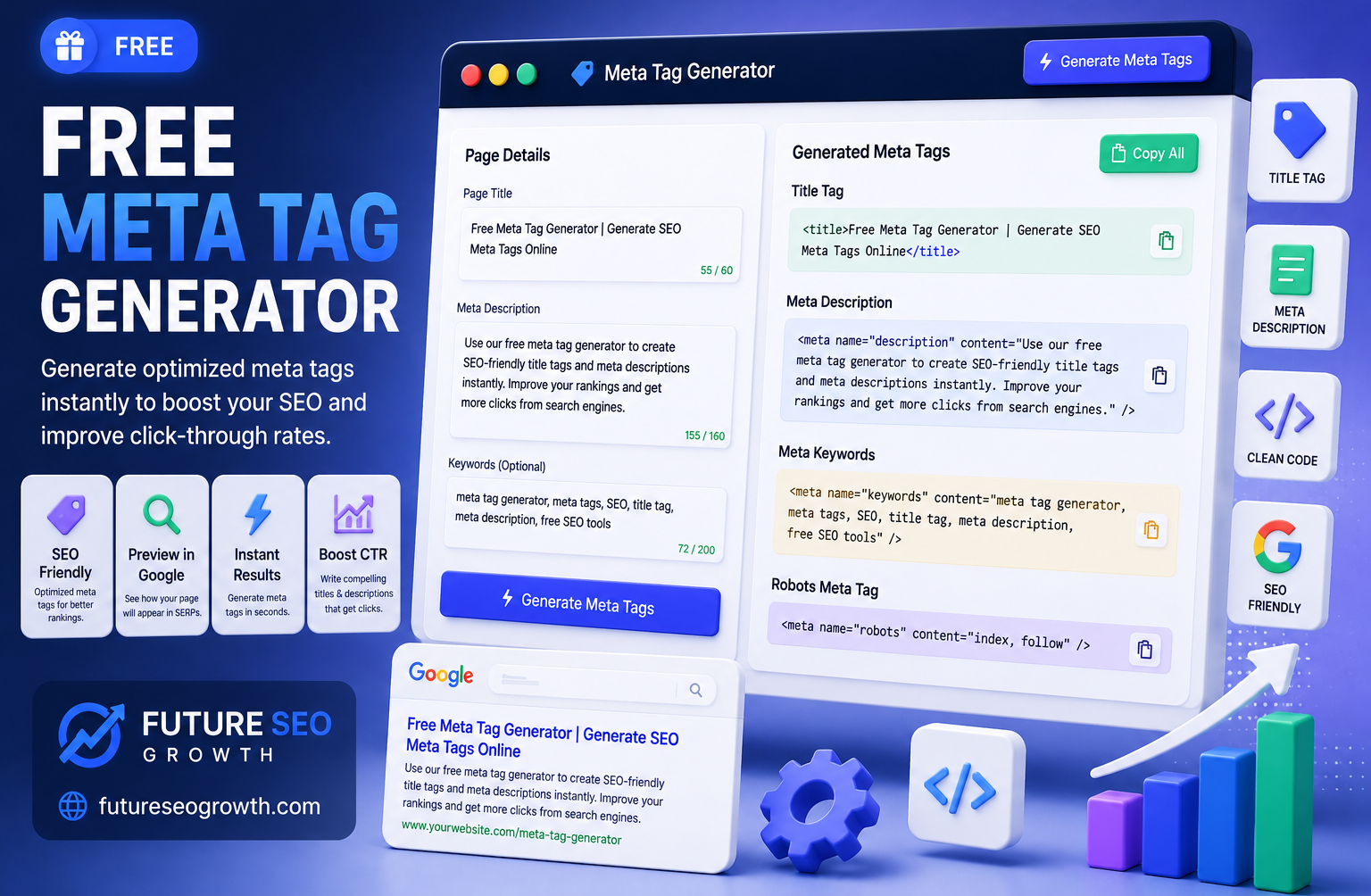
Most meta tag advice online is either ten years out of date or hidden behind a bare tool that generates tags without telling you what they do.
So let us fix that. Meta tags are small snippets of HTML that tell search engines and social platforms what your page is about. Get the important ones right and you earn better click through rates, cleaner search listings, and sharp looking social previews. Get them wrong, or waste time on the ones that no longer matter, and you leave clicks on the table.
This guide cuts through it. You will learn which meta tags actually count in 2026, which are a waste of time, the exact character limits, how to write tags that get clicked, and how to generate them all correctly in a couple of minutes.
What Are Meta Tags?
Meta tags are pieces of HTML placed in the head section of a web page. They do not appear on the visible page itself, but they give search engines and social networks structured information about it.
Think of them as labels on a package. The contents are your page content, and the meta tags are the label that tells everyone what is inside, how to display it, and how to handle it. When someone sees your page in Google or shares it on LinkedIn, meta tags decide what title, description, and image show up.
There are many meta tags, but only a handful genuinely affect SEO and sharing today. Knowing the difference is what separates a useful setup from wasted effort.
Which Meta Tags Actually Matter in 2026?
Here is the honest breakdown, because half the tags people still ask about no longer do anything.
| Meta tag | Still matters? | What it does |
|---|---|---|
| Title tag | Yes, critical | The clickable headline in search results, a major ranking and click factor |
| Meta description | Yes | The summary under the title, drives click through rate |
| Meta robots | Yes | Tells search engines whether to index and follow the page |
| Open Graph tags | Yes | Controls how the page looks when shared on social media |
| Twitter Card tags | Yes | Controls the preview on X and some other platforms |
| Viewport | Yes | Ensures the page renders correctly on mobile |
| Canonical | Yes | Points to the preferred version of a page to avoid duplicates |
| Meta keywords | No | Ignored by Google for years, safe to skip entirely |
| Meta author, revisit-after | No | Have no SEO effect, purely optional |
The big takeaway: stop worrying about meta keywords. Google has openly ignored that tag since well before 2010. Anyone still selling you on it is working from a very old playbook. Focus your energy on the title, description, and social tags.
The Essential Meta Tags (With Code)
Here is a clean, complete set of the meta tags most pages should have. This is what a well configured page head looks like.
<meta name=”description” content=”Generate title, description and Open Graph tags in minutes.”>
<meta name=”robots” content=”index, follow”>
<link rel=”canonical” href=”https://example.com/page/”>
<meta name=”viewport” content=”width=device-width, initial-scale=1″>
<!– Open Graph –>
<meta property=”og:title” content=”Meta Tag Generator”>
<meta property=”og:description” content=”Generate SEO meta tags in minutes.”>
<meta property=”og:image” content=”https://example.com/image.jpg”>
<meta property=”og:type” content=”website”>
<!– Twitter –>
<meta name=”twitter:card” content=”summary_large_image”>
That single block covers search display, indexing, mobile rendering, and social sharing. Notice there is no meta keywords tag, because it does nothing. Writing this by hand for every page is tedious and error prone, which is exactly what a generator solves.
Meta Tag Character Limits That Matter
Length is where most meta tags quietly fail. Write too long and Google truncates you mid sentence. Here are the practical limits to aim for.
| Tag | Recommended length | Why |
|---|---|---|
| Title tag | 50 to 60 characters | Longer titles get cut off in search results |
| Meta description | 140 to 160 characters | Google truncates around 155 to 160 on desktop |
| Open Graph title | Up to 60 characters | Keeps social previews clean |
| Open Graph description | Around 110 characters | Mobile social feeds show less |
Because search engines measure by pixel width, not just character count, these are guidelines rather than hard cutoffs. The safest way to see how your tags will actually appear is to preview them, which you can do with our free SERP snippet preview before you publish.
How to Write Meta Tags That Get Clicked
A generator handles the code. Writing tags people actually click is a skill worth learning. A few principles that consistently work:
- Put the main keyword near the front of the title. It confirms relevance to both readers and search engines.
- Write for a human, not a robot. A title that reads naturally beats a keyword stuffed one every time.
- Make the description a promise. Tell the reader exactly what they will get if they click, and hint at the value.
- Avoid duplicates. Every page needs its own unique title and description. Duplicate meta tags confuse search engines and waste opportunities.
- Match search intent. If someone is comparing options, a description that acknowledges that earns the click. This ties directly into good on page SEO.
Small wording changes here can lift click through rate noticeably without touching your rankings at all.
How to Generate Meta Tags in Minutes
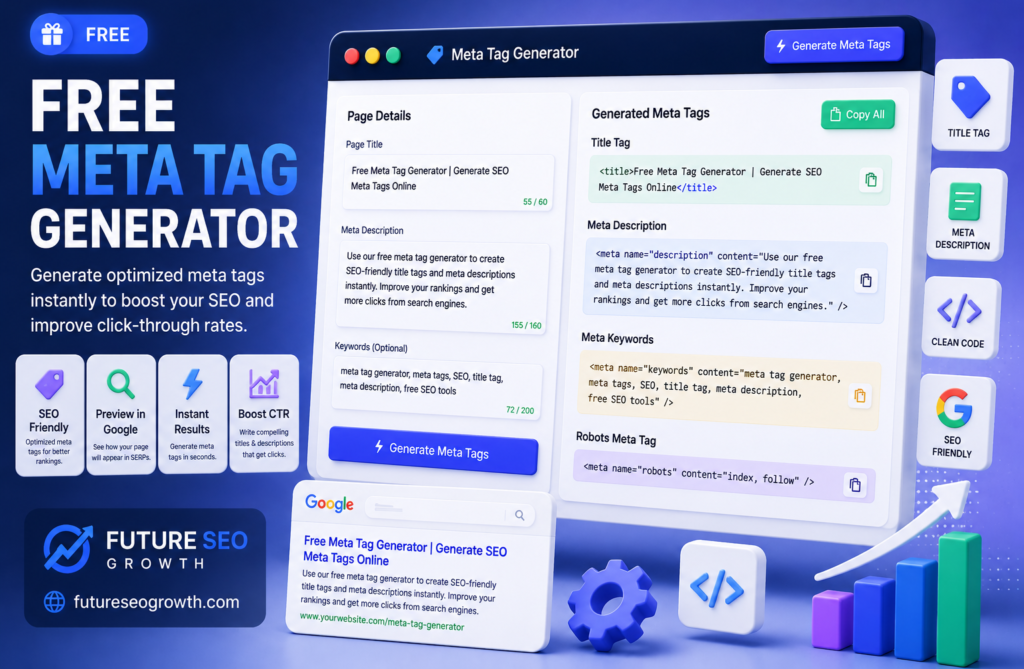
Rather than hand coding tags for every page, a generator builds them for you and keeps the formatting correct. Here is the process with our free tool.
- Step 1: Open the tool. Go to our free Meta Tag Generator.
- Step 2: Enter your page details. Add your title, description, and the URL and image for social sharing.
- Step 3: Set indexing and canonical. Choose whether the page should be indexed and set its canonical URL.
- Step 4: Copy the generated code. The tool outputs clean title, description, robots, Open Graph, and Twitter tags together.
- Step 5: Paste into your page head. Add the block to your page HTML, or the relevant SEO plugin fields if you use WordPress.
- Step 6: Preview and check. Confirm how it will look with a snippet preview before publishing.
The whole thing takes a couple of minutes and removes the risk of a broken or missing tag. You will find it alongside our other free SEO tools, including a schema generator for structured data.
Generate Clean, Click Worthy Meta Tags Free
Meta tags are one of the highest leverage, lowest effort wins in SEO. A strong title and description will not just help you rank, they will earn you more clicks from the ranking you already have.
Skip the outdated tags, focus on the ones that count, and let a tool handle the code. Try our free Meta Tag Generator to build a complete, correct set in minutes, then preview it before you go live. If you would like an expert team to handle your on page SEO end to end, get in touch for a free consultation.
Frequently Asked Questions
What is a meta tag generator?
It is a tool that creates the meta tags for a web page, such as the title, description, and social sharing tags, so you do not have to write the HTML by hand. Our free Meta Tag Generator builds a complete, correct set in minutes.
Is the meta tag generator free?
Yes. Our Meta Tag Generator is completely free with no signup, and sits alongside our other free SEO tools.
Do meta keywords still matter for SEO?
No. Google has ignored the meta keywords tag for well over a decade, so you can skip it entirely. Focus on the title, meta description, and social tags, which do affect how your page performs.
What is the ideal meta description length?
Aim for roughly 140 to 160 characters. Google truncates longer descriptions on desktop. Because it measures by pixel width, previewing with our SERP snippet preview is the safest way to check.
How do I add meta tags to my website?
Paste the generated tags into the head section of your page HTML, or into the title and description fields of your SEO plugin if you use WordPress. Our generator produces copy ready code for this.
What are Open Graph tags?
Open Graph tags control how your page appears when shared on social platforms, setting the preview title, description, and image. They are part of the full set our Meta Tag Generator creates for you.
Ready to grow your rankings?
Get a free consultation and a tailored growth plan for your business.
Get free consultationContinue reading
Related articles

SEO for Doctors: How Medical Practices Get Found by Patients
SEO for doctors explained: local search, reviews and HIPAA, condition and treatment pages, medical directories, Google Ads and how to measure new patients.

SEO for Contractors and Home Services: A Practical Guide
SEO for contractors, plumbers, electricians, roofers and landscapers: Google Business Profile, reviews, service pages, local keywords and how to measure calls.

The Best SEO for Law Firms: What Actually Brings In Cases
A practical guide to the best SEO for law firms: practice area pages, attorney bios, local search, legal directories and the bar advertising rules most guides ignore.
Get growth playbooks in your inbox
Join our newsletter for practical SEO, link building, and AI-search tactics.