SERP Snippet Preview: How to Optimize Your Google Listing
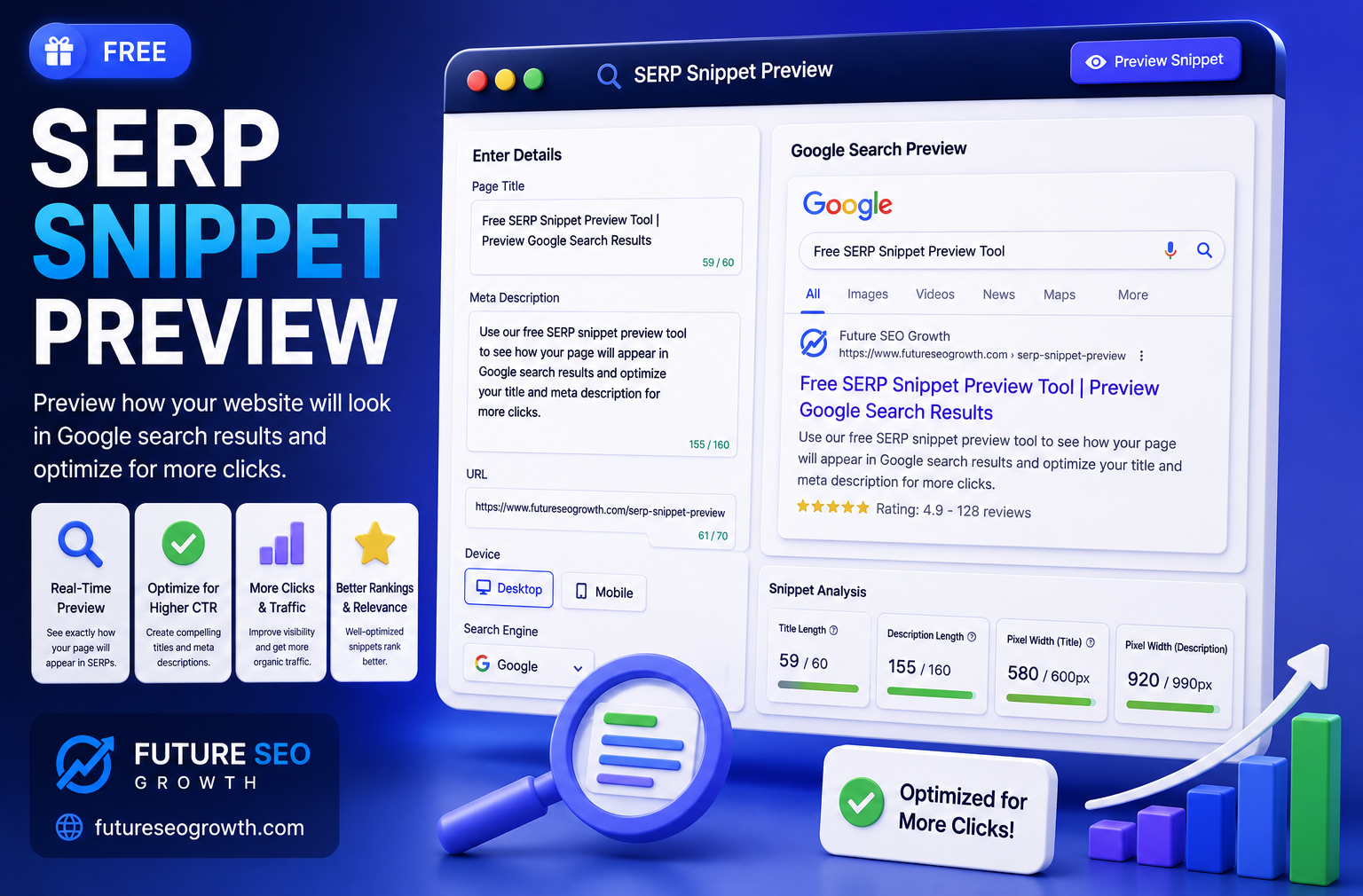
You spent hours on a blog post. Then Google chops your title in half, rewrites your description into something bland, and your click through rate quietly suffers. Nobody warned you, because you never saw how the page would actually look in search before you hit publish.
That is exactly the problem a SERP snippet preview solves.
A snippet preview shows you how your title, URL, and description will appear in Google search results, before real users ever see them. It is the difference between guessing and knowing. And it takes about thirty seconds.
This guide covers what a SERP snippet preview is, why it matters more than most people realise, how to read and fix your snippet, and how to preview yours free, without hitting a signup wall.
What Is a SERP Snippet Preview?
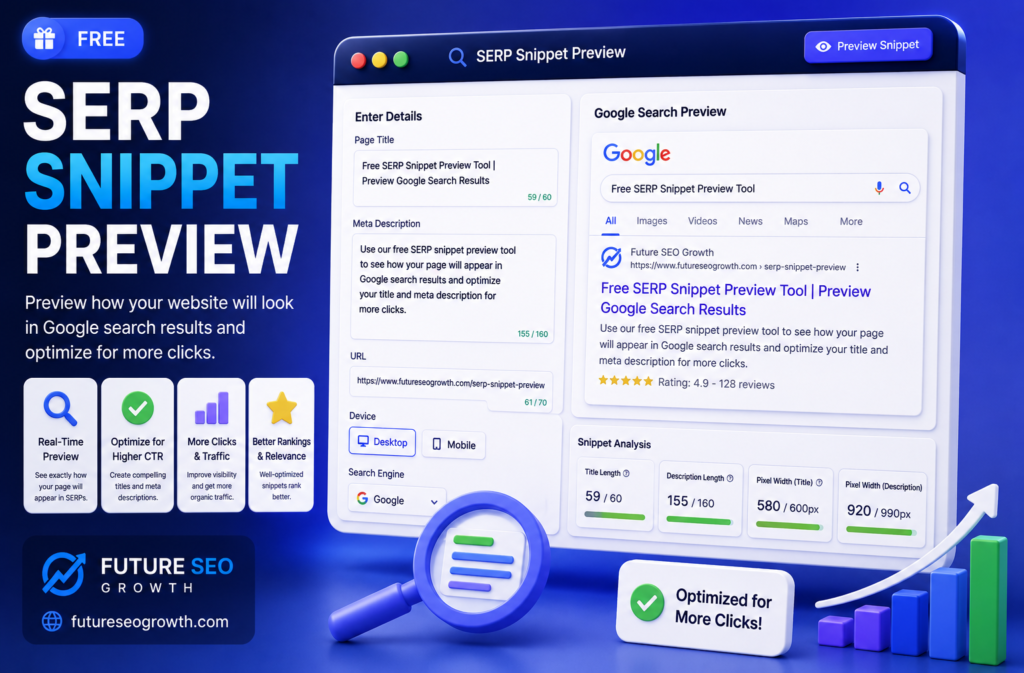
A SERP snippet preview, sometimes called a Google SERP simulator, is a tool that shows how your web page will look in the search results.
SERP stands for search engine results page. The snippet is your individual listing on that page: the blue title, the green or grey URL, and the short description underneath. A preview tool renders all three exactly as Google would display them, so you can see and adjust them before publishing.
Instead of publishing and hoping, you type in your title tag and meta description, and the tool shows you the finished result in real time. If something is too long, too short, or gets cut off, you catch it instantly.
Why a Snippet Preview Actually Matters
This is where most tool pages stop explaining, so let us go deeper. A preview is not a nice to have, it protects the three things that decide whether people click.
Truncation kills your message
Google does not measure titles and descriptions by character count, it measures by pixel width. That is why two titles of the same length can behave differently, and why a title that looks fine in your editor gets cut off with an ellipsis in search. A preview shows you the real cutoff point before it embarrasses you.
Mobile and desktop are not the same
Your snippet displays differently on phones than on desktops, and more than half of searches now happen on mobile. A good preview lets you check both, so a description that reads perfectly on desktop does not get chopped on a phone.
Click through rate is a competitive edge
Two pages can rank in similar positions, but the one with a sharper, more compelling snippet wins more clicks. Since your title and description are effectively free advertising space, previewing and refining them is one of the cheapest ways to lift traffic without changing your rankings at all. This is a core part of good on page SEO.
What Truncation Looks Like (Before and After)
Here is the exact problem a preview catches. Below is a title and description that run too long, the way Google would trim them:
Notice the title cut off mid sentence and the description trailing into nothing. Now the same listing, rewritten to fit:
Same page, far better first impression. The second version tells the whole story, ends cleanly, and gives the searcher a reason to click. That is the entire value of previewing in one comparison.
Ideal Length for Titles and Descriptions
Because Google measures by pixels, treat these as targets rather than hard rules, and always confirm with a real preview.
| Element | Desktop target | Mobile note |
|---|---|---|
| Title tag | 50 to 60 characters | Mobile shows slightly more, but keep key words early |
| Meta description | 140 to 160 characters | Mobile often trims sooner, front load the value |
| URL slug | Short and readable | Long URLs get shortened with breadcrumbs |
The safest habit is simple: write your title and description, drop them into a preview, and adjust until nothing gets cut on either device. Our free SERP Snippet Preview shows you both instantly.
Why Google Sometimes Rewrites Your Snippet
Here is something the tool only pages never mention: even a perfect snippet is not guaranteed to appear exactly as you wrote it.
Google rewrites titles and descriptions when it thinks a different version better matches the search query. Studies have shown it changes a large share of them. You cannot fully prevent this, but you can make your version the obvious best choice by keeping it clear, relevant to the target query, and properly sized. A well optimised snippet is far more likely to survive untouched.
This is also why your meta description should never be an afterthought. If you want to set them correctly across your whole site, pair a preview with our free Meta Tag Generator to produce clean title and description tags in one go.
The AI Overviews Factor in 2026
There is a newer reason previewing matters that barely existed a couple of years ago: AI Overviews.
On many searches, Google now shows an AI generated answer at the very top, pushing the traditional results further down. That makes the competition for attention fiercer, and it makes a sharp, clickable snippet more valuable, not less. When there is less visible space, the listings that earn clicks are the ones that read clearly and promise real value at a glance.
It also raises the stakes on being the source that AI systems cite. Clean, well structured pages with clear titles and descriptions are easier for these systems to understand and surface, which is the heart of AI search optimization. A good snippet is no longer just about Google, it is about staying visible as search itself changes.
Preview Your Google Listing Free
A SERP snippet preview is one of the simplest habits in SEO and one of the most overlooked. Thirty seconds of checking can save you from a truncated title, a cut off description, or a wasted ranking that quietly underperforms.
Write your title and description, preview them on desktop and mobile, trim anything that gets cut, and make sure the whole thing reads like a promise worth clicking. Try our free SERP Snippet Preview, no signup and no search limits, and explore our full set of free SEO tools. If you would like an expert team to sharpen your entire on page setup, get in touch for a free consultation.
Frequently Asked Questions
What is a SERP snippet preview?
It is a tool that shows how your page title, URL and meta description will appear in Google search results before you publish. Our free SERP Snippet Preview renders your listing exactly as searchers would see it.
Is the SERP snippet preview tool free?
Yes. Our SERP Snippet Preview is completely free with no signup and no search limits, unlike many other simulators. It sits alongside our other free SEO tools.
Why does Google cut off my title or description?
Google measures snippets by pixel width, not character count, and trims anything that runs too long with an ellipsis. Previewing before publishing lets you catch and fix this. Aim for roughly 50 to 60 characters for titles and 140 to 160 for descriptions.
Does the meta description affect my rankings?
Not directly, but it strongly affects click through rate, which influences how much traffic a ranking earns. A compelling description turns more impressions into visits. You can generate clean ones with our Meta Tag Generator.
Why did Google change my title in search results?
Google rewrites titles and descriptions when it believes a different version better matches the query. You cannot fully prevent it, but a clear, relevant, properly sized snippet is much more likely to be shown as written.
Should I preview for mobile and desktop separately?
Yes. Snippets display differently across devices and more than half of searches are on mobile, which often trims text sooner. Check both so your listing reads well everywhere. Our preview tool shows both views.
Ready to grow your rankings?
Get a free consultation and a tailored growth plan for your business.
Get free consultationContinue reading
Related articles

SEO for Doctors: How Medical Practices Get Found by Patients
SEO for doctors explained: local search, reviews and HIPAA, condition and treatment pages, medical directories, Google Ads and how to measure new patients.

SEO for Contractors and Home Services: A Practical Guide
SEO for contractors, plumbers, electricians, roofers and landscapers: Google Business Profile, reviews, service pages, local keywords and how to measure calls.

The Best SEO for Law Firms: What Actually Brings In Cases
A practical guide to the best SEO for law firms: practice area pages, attorney bios, local search, legal directories and the bar advertising rules most guides ignore.
Get growth playbooks in your inbox
Join our newsletter for practical SEO, link building, and AI-search tactics.