FAQ Schema Generator: How to Create FAQ Schema in 2026
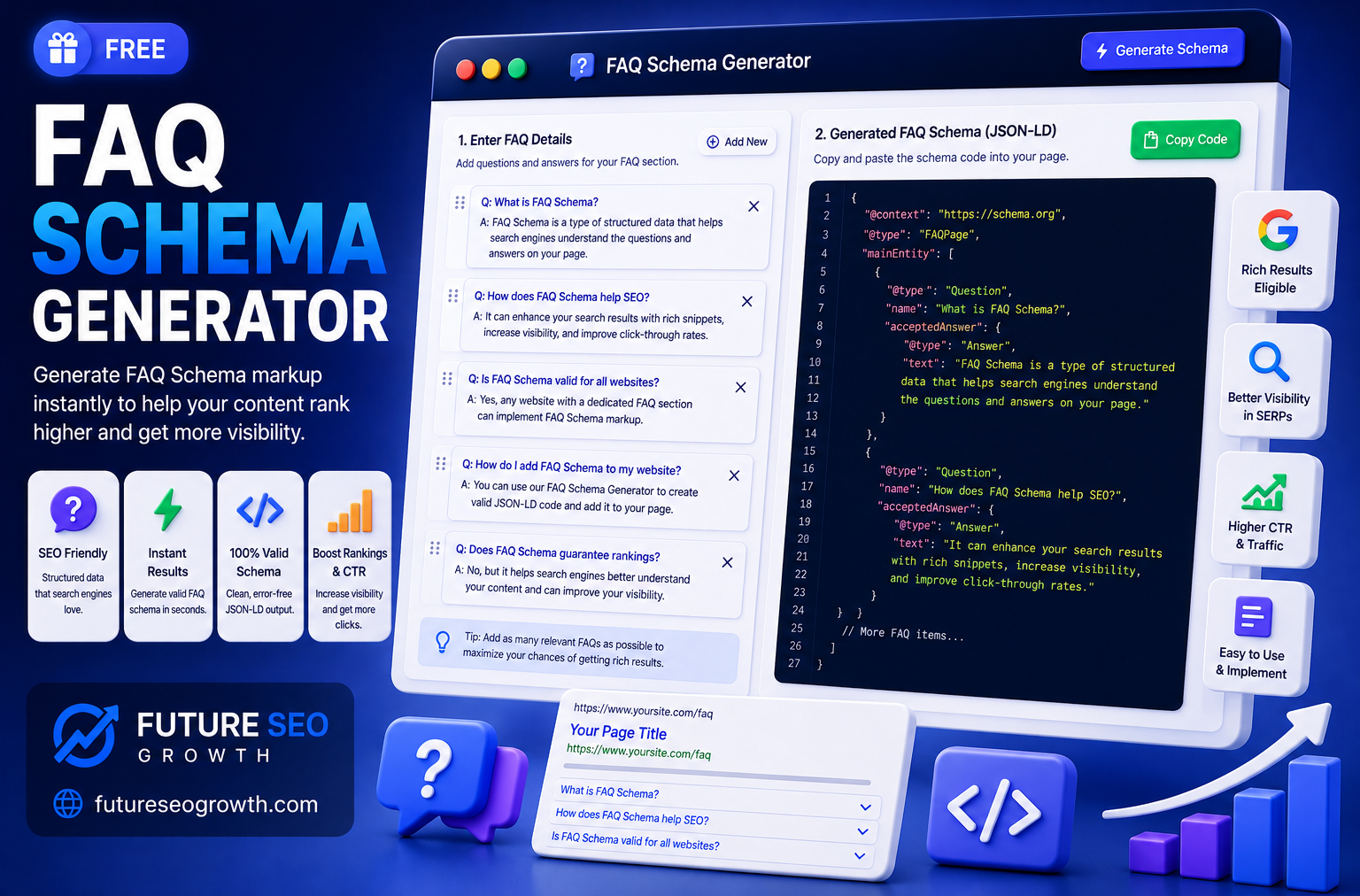
Most FAQ schema guides online are quietly out of date, and following them will leave you waiting for a search feature that no longer shows up.
Here is the honest version. FAQ schema is code that tells search engines your page contains a list of questions and answers. For years it earned you an expandable FAQ dropdown right in the search results. Then in 2023 Google pulled that feature back to only well known, authoritative health and government sites. Most websites no longer get the visual rich result at all.
So should you still bother? Yes, and this guide explains exactly why, plus what FAQ schema is, the correct code, and how to generate it in a couple of minutes without the outdated assumptions.
What Is FAQ Schema?
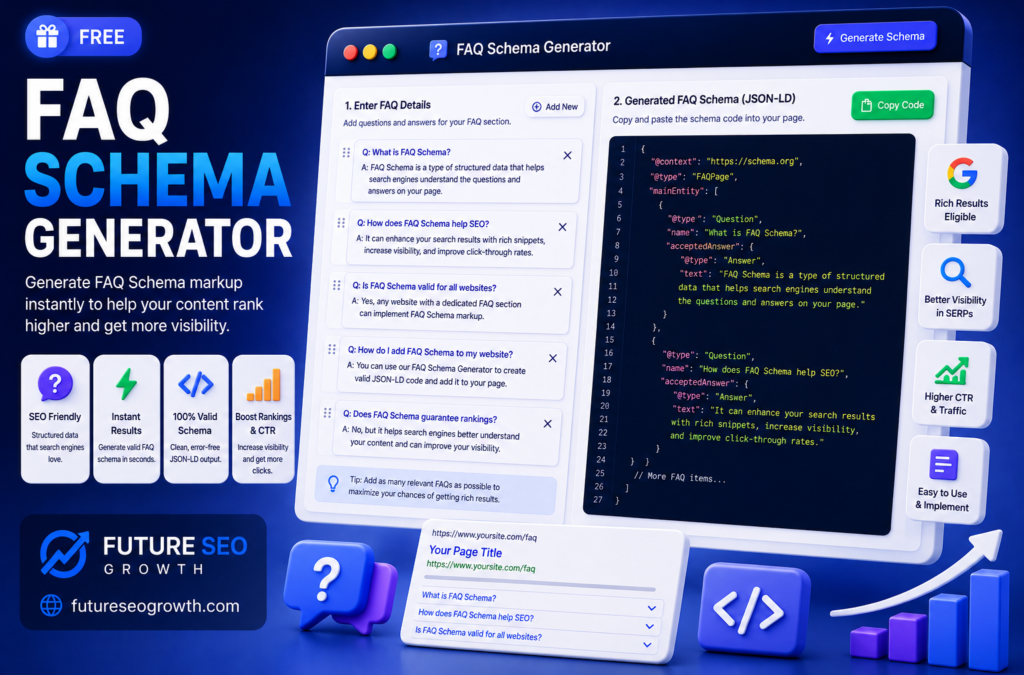
FAQ schema, formally called FAQPage structured data, is code that tells search engines a page contains a list of frequently asked questions and their answers.
Like all schema, it is usually written in JSON-LD and placed in the page. It labels each question and its matching answer in a structured format machines can read without guessing. Where Article schema says this is an article, FAQPage schema says this section is a set of questions and answers, and here they are, paired up.
That structure is easy for search engines and AI systems to parse, which is the heart of why it still matters even without the old visual dropdown.
The Honest Truth About FAQ Rich Results in 2026
This is the part the top ranking tool pages still get wrong, so let us be clear.
Until 2023, adding FAQ schema could earn you an expandable set of questions directly in Google search results, extra space, more visibility, higher click through. Then Google changed course. It limited FAQ rich results to authoritative government and health websites, and rolled them back for almost everyone else.
What that means in practice: if you run a typical business, blog or ecommerce site, adding FAQ schema will most likely not give you that visual dropdown anymore. Any tool or article promising you FAQ rich results in 2026 is working from an old playbook.
If someone tells you FAQ schema guarantees rich snippets today, they have not updated their advice since 2022. That single fact should shape how you use it.
So Why Use FAQ Schema At All?
Given all that, you would be forgiven for asking whether FAQ schema is worth adding. It genuinely is, for reasons that have nothing to do with the old dropdown.
- AI and answer engines. Clearly structured question and answer pairs are easy for systems like ChatGPT, Perplexity and Google AI Overviews to read and cite. As search shifts toward AI answers, that clarity supports your AI search visibility.
- Content clarity. FAQ schema helps search engines understand your page structure and the specific questions it answers, which supports relevance.
- Future eligibility. Rich result policies change often. Content that is cleanly marked up is ready the moment features return or new ones launch.
- Voice and assistants. Structured answers remain easier for assistant style tools to pick up and read aloud.
In short, stop adding FAQ schema for a dropdown that will not appear, and start adding it so both Google and AI systems understand your answers perfectly.
What FAQ Schema Looks Like (JSON-LD Example)
Here is a complete, valid FAQPage example with two questions. This is the format Google recommends, JSON-LD in a script block.
“@context”: “https://schema.org”,
“@type”: “FAQPage”,
“mainEntity”: [
{
“@type”: “Question”,
“name”: “Is FAQ schema free to add?”,
“acceptedAnswer”: {
“@type”: “Answer”,
“text”: “Yes. You can generate valid FAQ schema for free with no coding.”
}
},
{
“@type”: “Question”,
“name”: “Where do I add FAQ schema?”,
“acceptedAnswer”: {
“@type”: “Answer”,
“text”: “Paste it into your page HTML inside a script tag.”
}
}
]
}
The structure is simple: a FAQPage holds a list of Question items, and each question has one acceptedAnswer. You repeat that block for every question. The rule that catches people out: the questions and answers in your schema must match what is visibly on the page. Marking up questions that are not shown to users breaks Google guidelines and can trigger a manual action.
Google Rules for FAQ Schema Content
A few specific rules decide whether your FAQ schema is valid. Follow these and you stay safe.
- The FAQ must be visible on the page. Schema and on page content have to match. Hidden FAQs are not allowed.
- You write both the question and the answer. FAQPage is for content where the site provides the answer, not user submitted responses.
- Do not use it for advertising or lead capture. Google prohibits promotional content dressed up as an FAQ.
- Limited HTML is allowed in answers. Headings, links, line breaks, lists, paragraphs, bold and italics are accepted. Keep it clean.
- Avoid duplicate FAQs across many pages. Repeating the same FAQ block sitewide adds little value and can look manipulative.
If your content is genuinely a set of questions your users ask, and you answer them on the page, you are on safe ground.
How to Generate FAQ Schema (Step by Step)
Writing this JSON-LD by hand is fiddly and one stray bracket breaks it. A generator is faster and safer. Here is the workflow with our free tool.
- Step 1: Open the generator. Go to our free FAQ Schema Generator.
- Step 2: Add your questions. Enter each question exactly as it appears on your page.
- Step 3: Add each answer. Paste the matching answer for every question.
- Step 4: Add more as needed. Repeat for all the FAQs on the page.
- Step 5: Copy the JSON-LD. The tool builds clean, valid code as you type.
- Step 6: Paste it into your page. Add it inside a script tag in your page HTML, ideally as static markup so AI crawlers, which do not run JavaScript, can read it too.
If your site runs on WordPress, some SEO plugins and page builders can output FAQ schema for you, but a generator gives you clean, portable code that works anywhere. Need other types too? Use our full schema generator or the dedicated HowTo schema generator.
How to Test Your FAQ Schema
Always validate before you rely on it. Two quick, free checks catch nearly every error.
- Google Rich Results Test. Confirms your markup is valid and shows any eligibility for supported features.
- Schema.org Validator. A stricter structural check that flags problems even where no rich result applies.
Both take seconds. Validating is also how you confirm your schema matches your visible content, which is the rule most likely to trip people up.
The Difference Between FAQ and QA Schema
These two get confused constantly, and using the wrong one is a common mistake.
FAQ schema (FAQPage) is for pages where you, the site owner, provide both the question and its single official answer. A support page or product FAQ is the classic case.
QA schema (QAPage) is for pages where users can submit multiple competing answers to one question, think forums or community sites like Quora or Stack Overflow.
If your team writes the answers, you want FAQ schema. If your users answer each other, you want QA schema. Choosing the right one keeps your markup valid and meaningful.
Generate Valid FAQ Schema in Minutes
FAQ schema is no longer about chasing a rich result dropdown that Google reserves for a handful of sites. It is about making your questions and answers unmistakably clear to search engines and the AI systems that increasingly answer people directly.
That is still well worth a couple of minutes. Use our free FAQ Schema Generator to build valid FAQPage JSON-LD, validate it, and paste it into your page. Explore our other free SEO tools too, or get in touch if you would like our team to handle technical SEO for you.
Frequently Asked Questions
What is a FAQ schema generator?
It is a tool that builds valid FAQPage structured data from your questions and answers without you writing code. Our free FAQ Schema Generator creates clean JSON-LD as you type.
Does FAQ schema still get rich results in 2026?
For most sites, no. In 2023 Google limited FAQ rich results to authoritative government and health sites, so typical business and blog pages no longer get the visual dropdown. The markup still helps search engines and AI systems understand your content, which supports AI search visibility.
Is the FAQ schema generator free?
Yes. Our FAQ Schema Generator is completely free with no signup, alongside our other free SEO tools.
How do I add FAQ schema to my website?
Generate the JSON-LD, then paste it inside a script tag in your page HTML, ideally as static markup so AI crawlers can read it. Make sure the questions match the FAQs visible on the page. Our generator produces copy ready code.
What is the difference between FAQ and HowTo schema?
FAQ schema marks up a list of separate questions and answers. HowTo schema marks up ordered steps to complete a single task. Use FAQ for question lists and HowTo for tutorials, which you can build with our HowTo schema generator.
Can FAQ schema hurt my SEO?
Only if you misuse it, for example marking up FAQs that are not visible on the page, or using it for ads or lead capture. Follow Google rules, keep schema matched to visible content, and it is safe and beneficial.
Ready to grow your rankings?
Get a free consultation and a tailored growth plan for your business.
Get free consultationContinue reading
Related articles

SEO for Doctors: How Medical Practices Get Found by Patients
SEO for doctors explained: local search, reviews and HIPAA, condition and treatment pages, medical directories, Google Ads and how to measure new patients.

SEO for Contractors and Home Services: A Practical Guide
SEO for contractors, plumbers, electricians, roofers and landscapers: Google Business Profile, reviews, service pages, local keywords and how to measure calls.
The Best SEO for Law Firms: What Actually Brings In Cases
A practical guide to the best SEO for law firms: practice area pages, attorney bios, local search, legal directories and the bar advertising rules most guides ignore.
Get growth playbooks in your inbox
Join our newsletter for practical SEO, link building, and AI-search tactics.